Appearance
Direct Payments
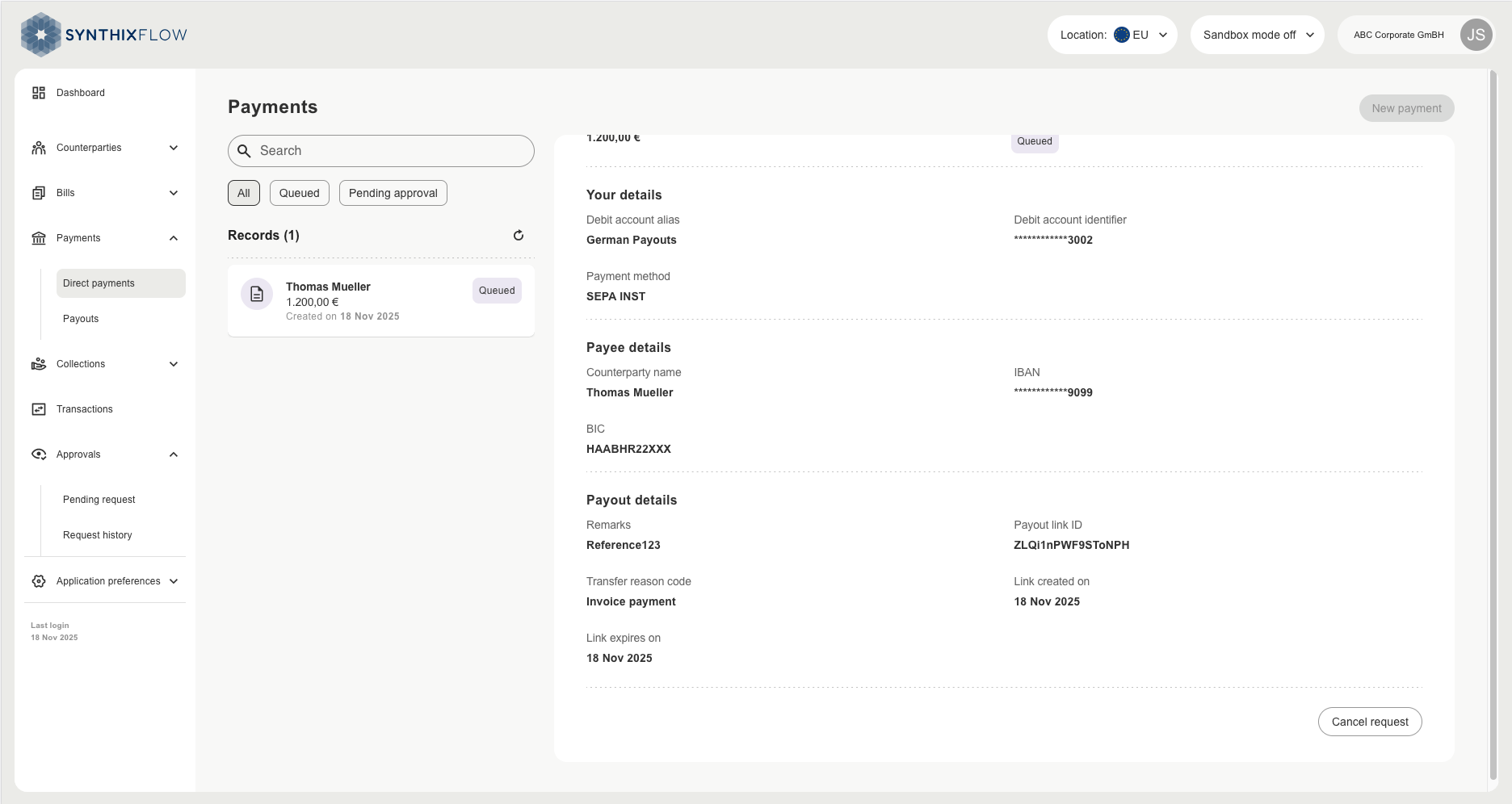
A direct payment represents the actual bank transaction from your bank account to a counterparty. Client can initiate a payment to the counterparty from the direct payments section if they have added their counterparty account details on Synthix Flow. If you have an approval workflow implemented, this payment will first go for approval before being initiated.
Alternatively,
Create a payment
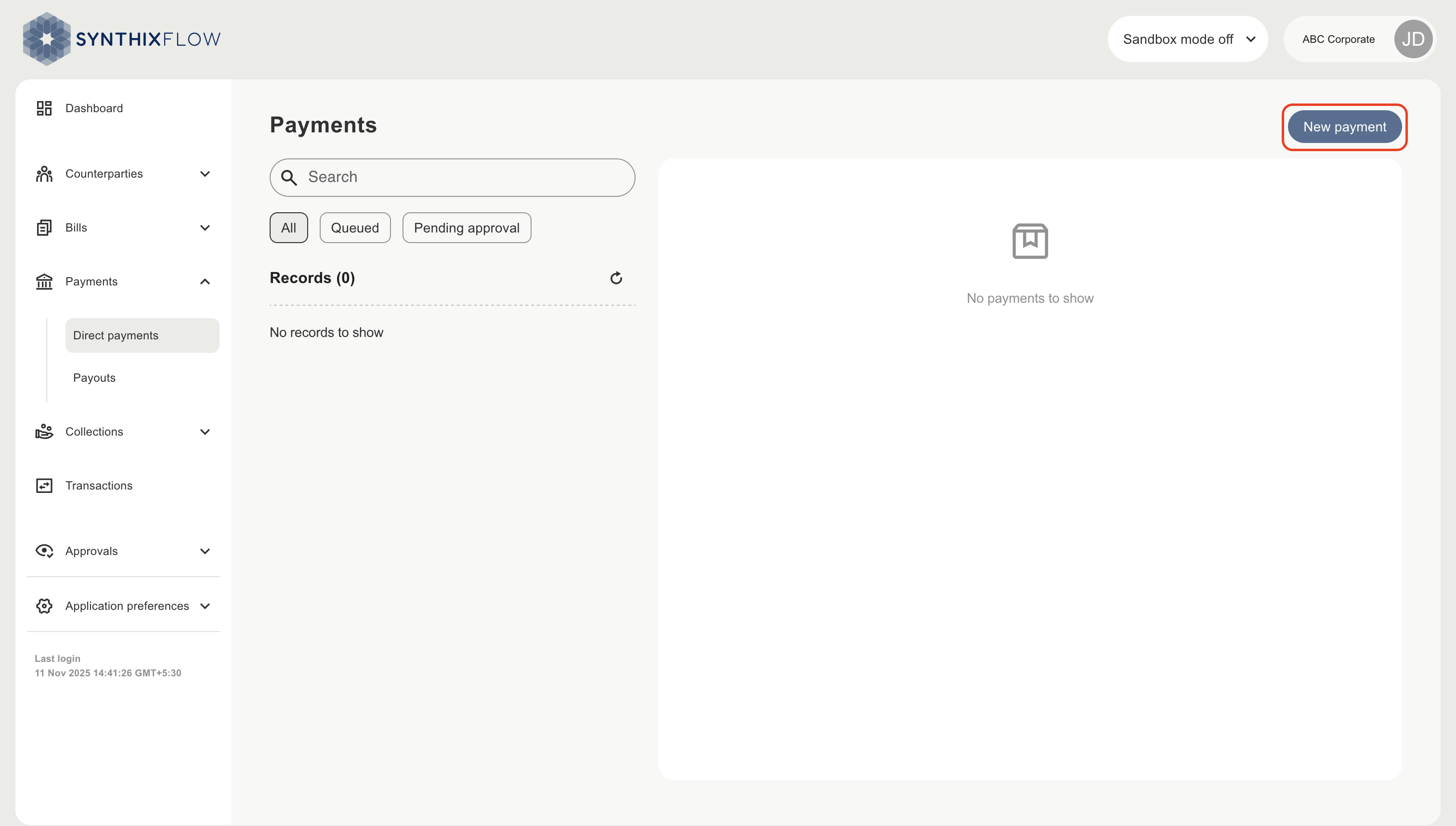
A new payment can be created from the Direct payments section clicking the ‘New payment’
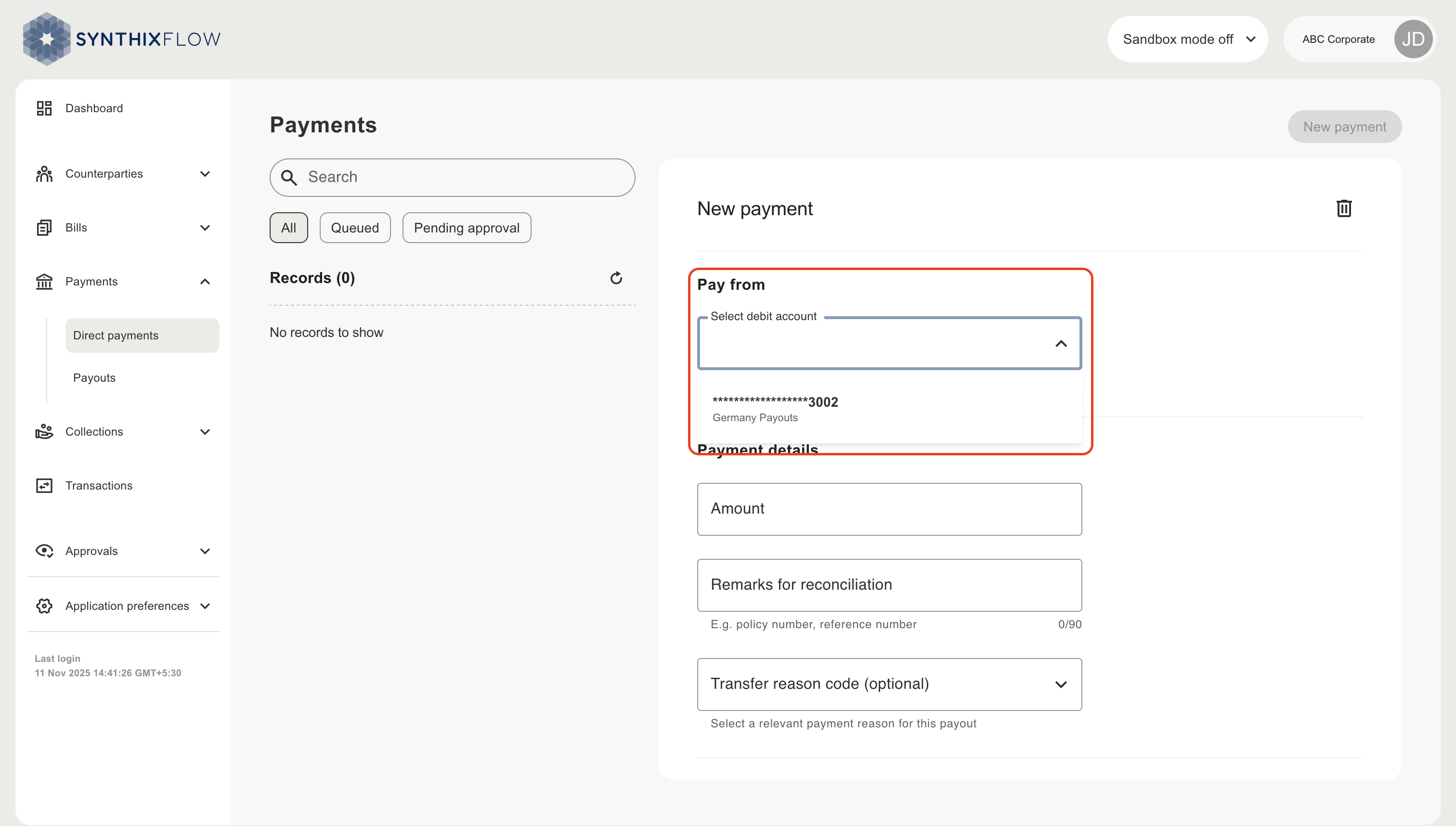
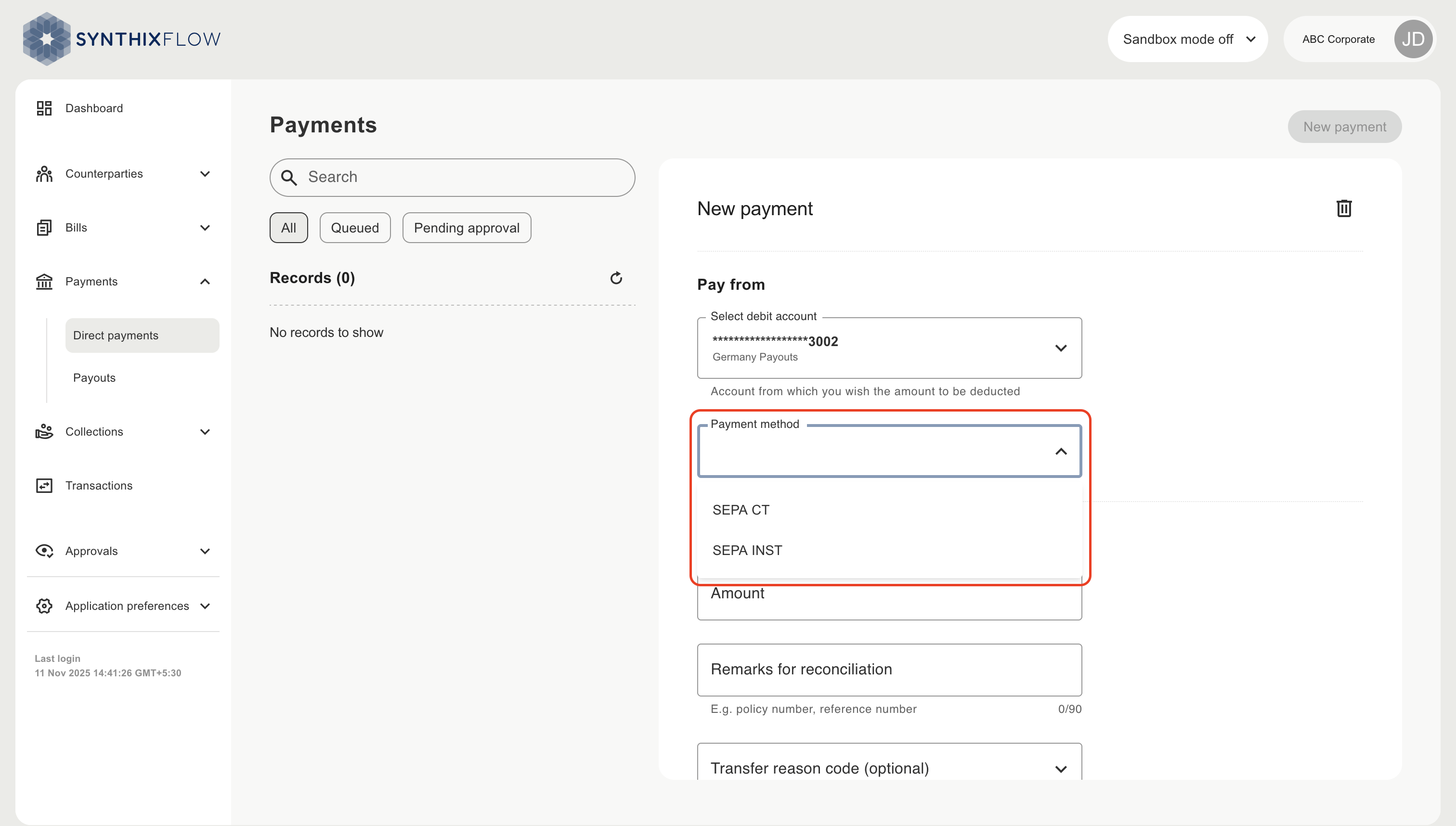
Choose the bank account you want the pay from
Choose your payment method
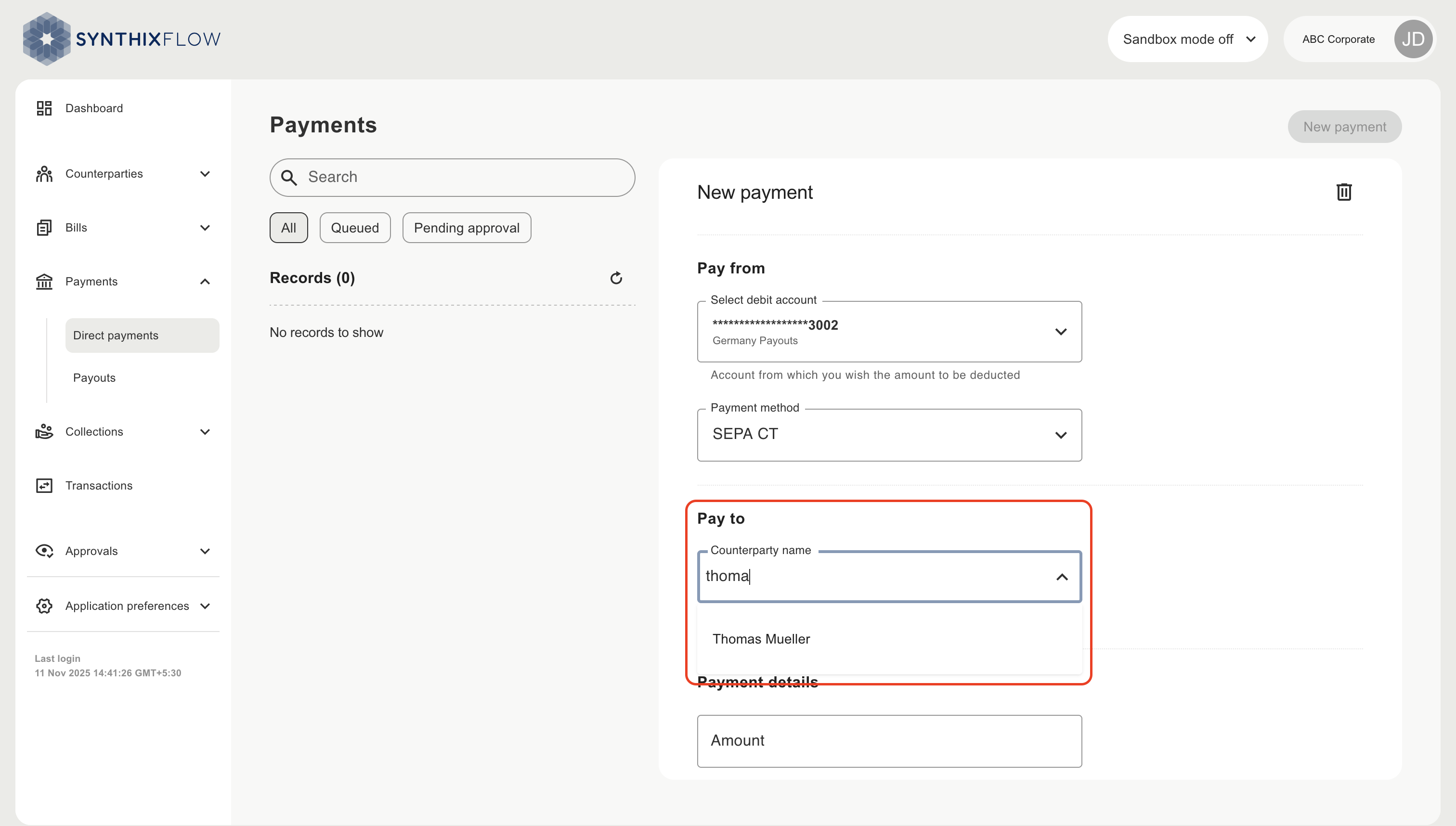
Select the counterparty you wish to pay
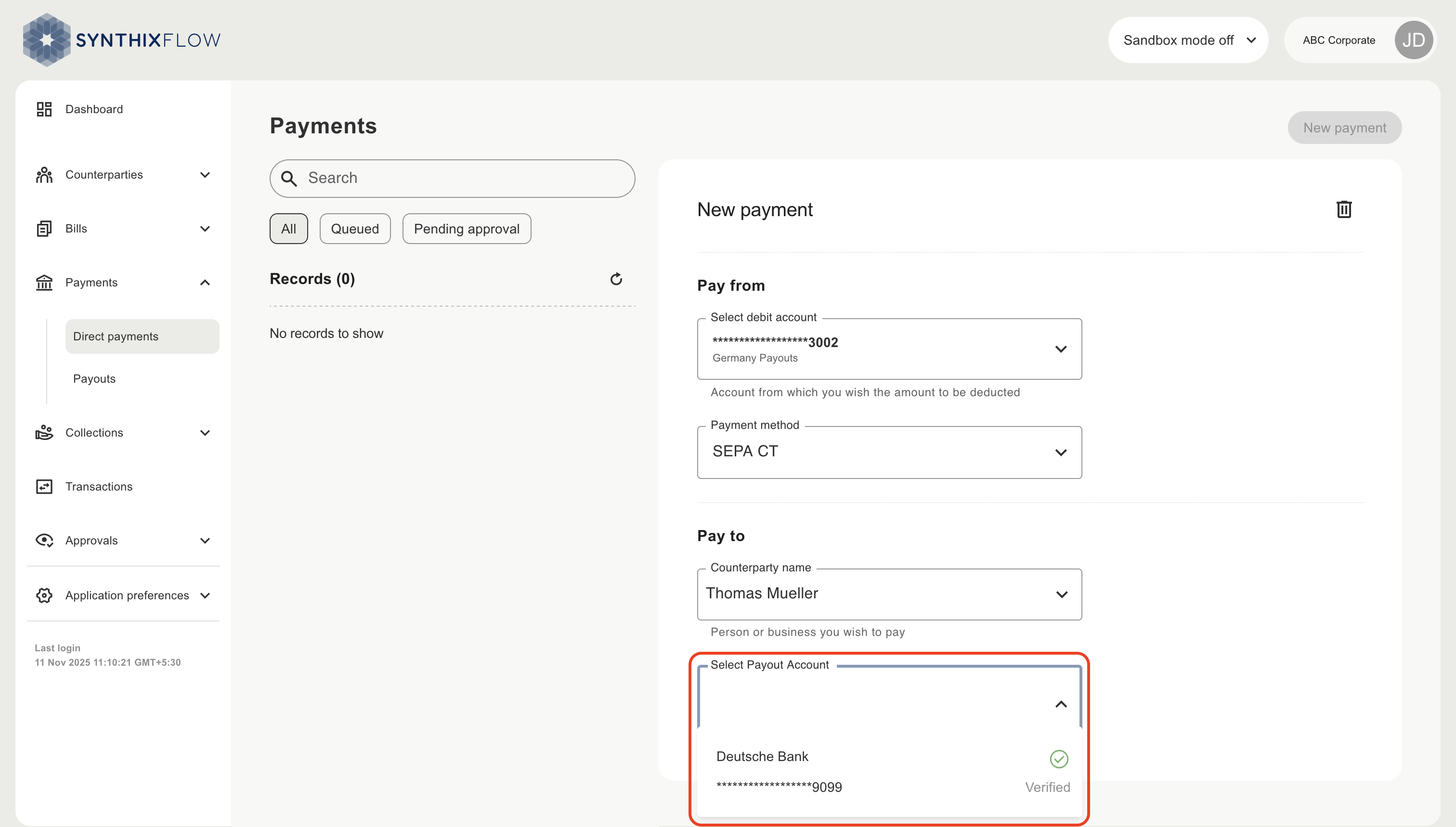
When you have selected the counterparty you will be presented with their accounts. You can then choose the bank account that you want to make the payment to
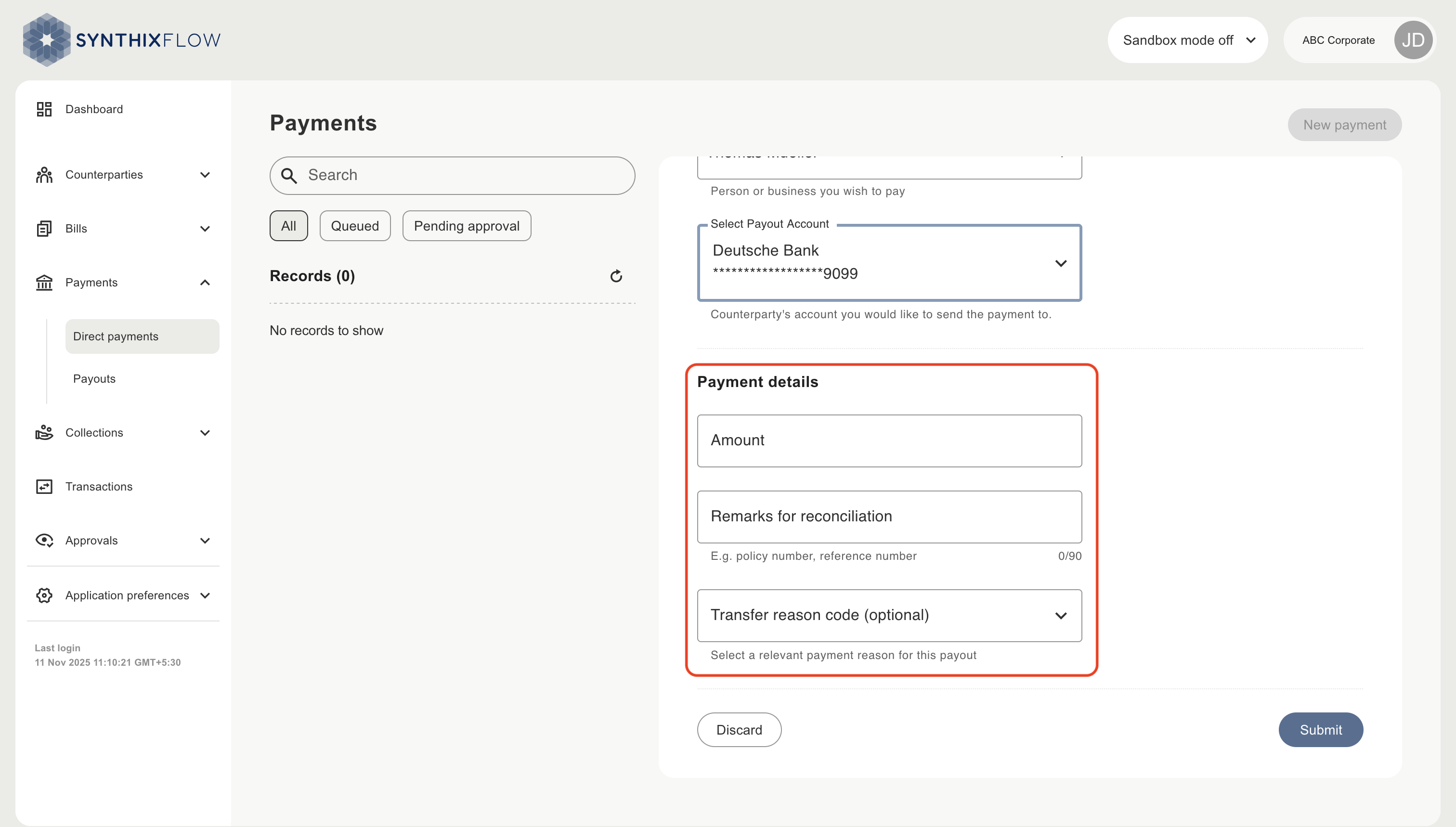
Add Payment details
Add details of the payment
- Amount in the currency you wish to make the payment in
- Remarks for reconciliation - used to reconcile the payment in your ERP, CRM or other operational systems and provided to the counterparty on the payout page for their information.
- Transfer reason code (optional) - transfer code to categorise the payment
Create the payment
Click ‘Submit’ to initiate the payment. The payment will appear in the ‘pending approval’ or ‘queued’ state depending on your configuration of approval workflow.
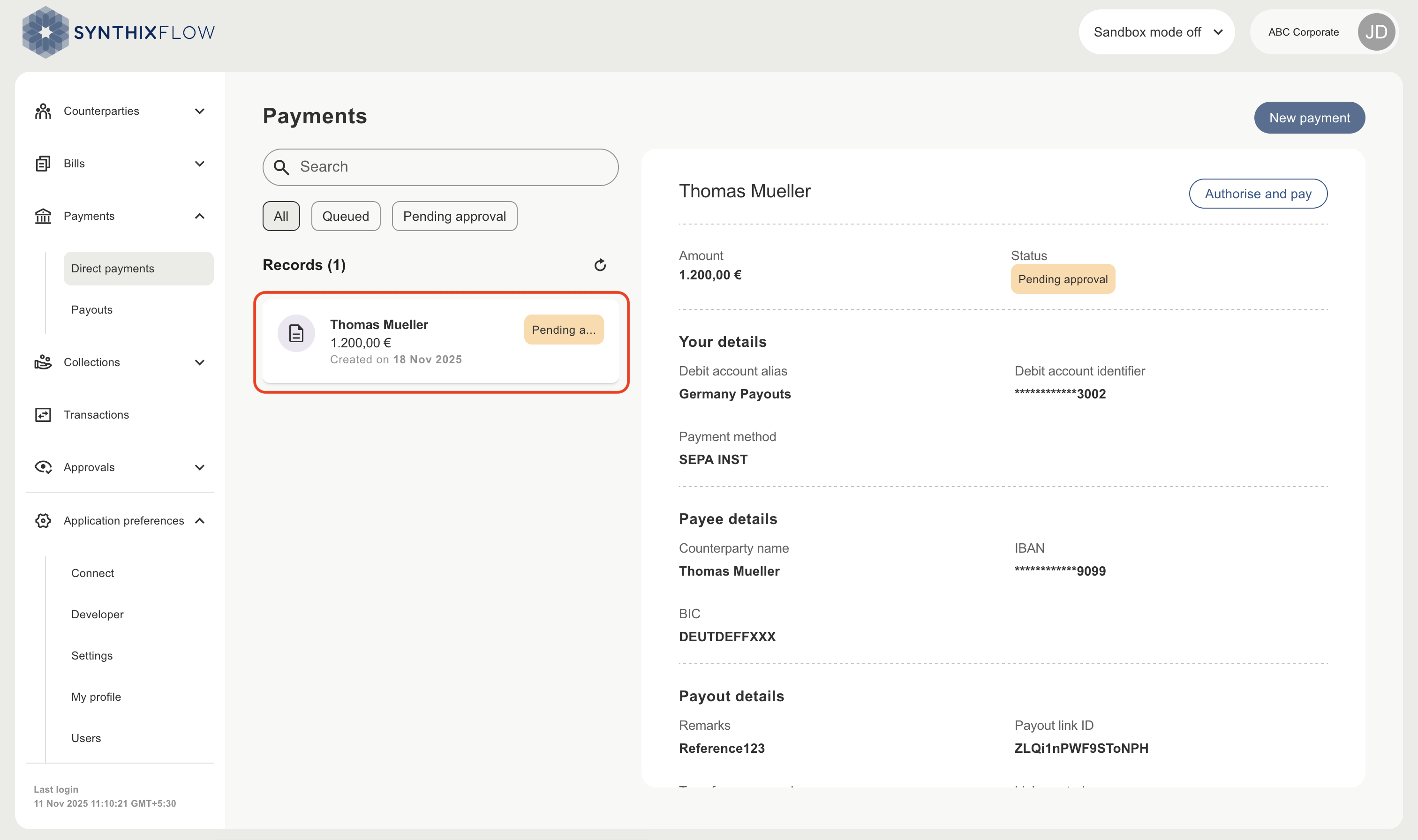
After the request is approved, the payment will be moved to 'Queued' state.
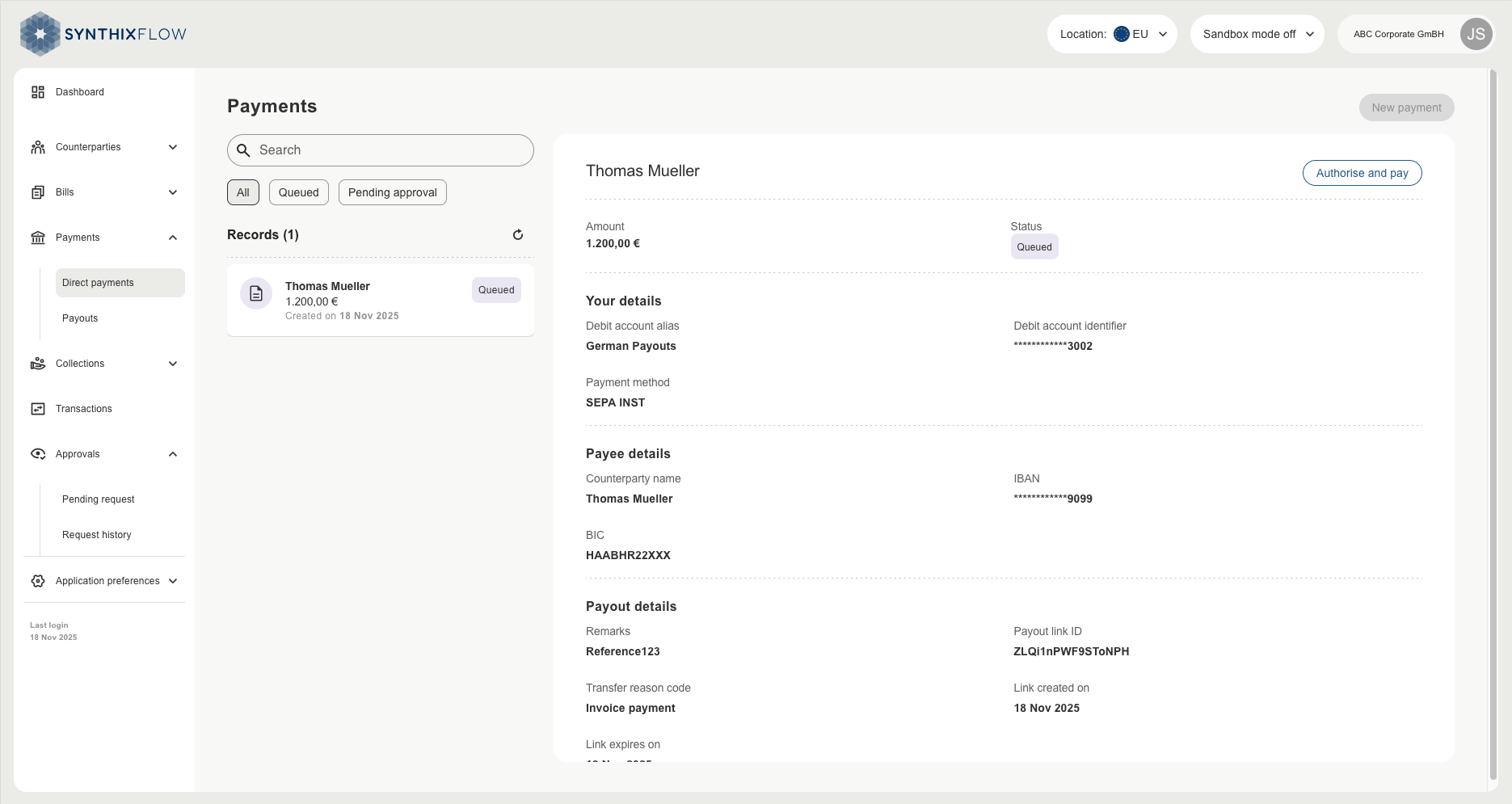
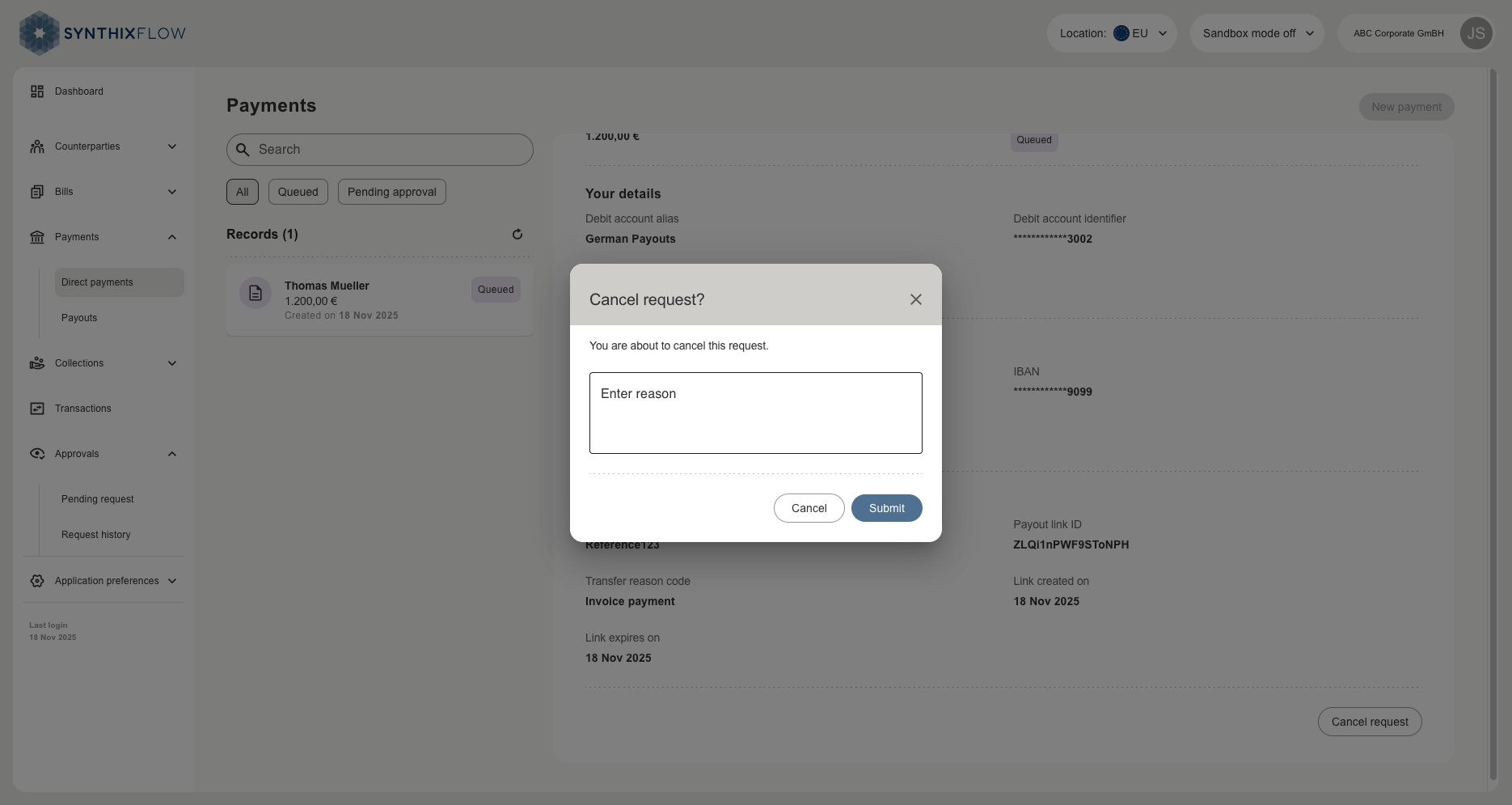
Payment can be Authorised and paid or cancelled.
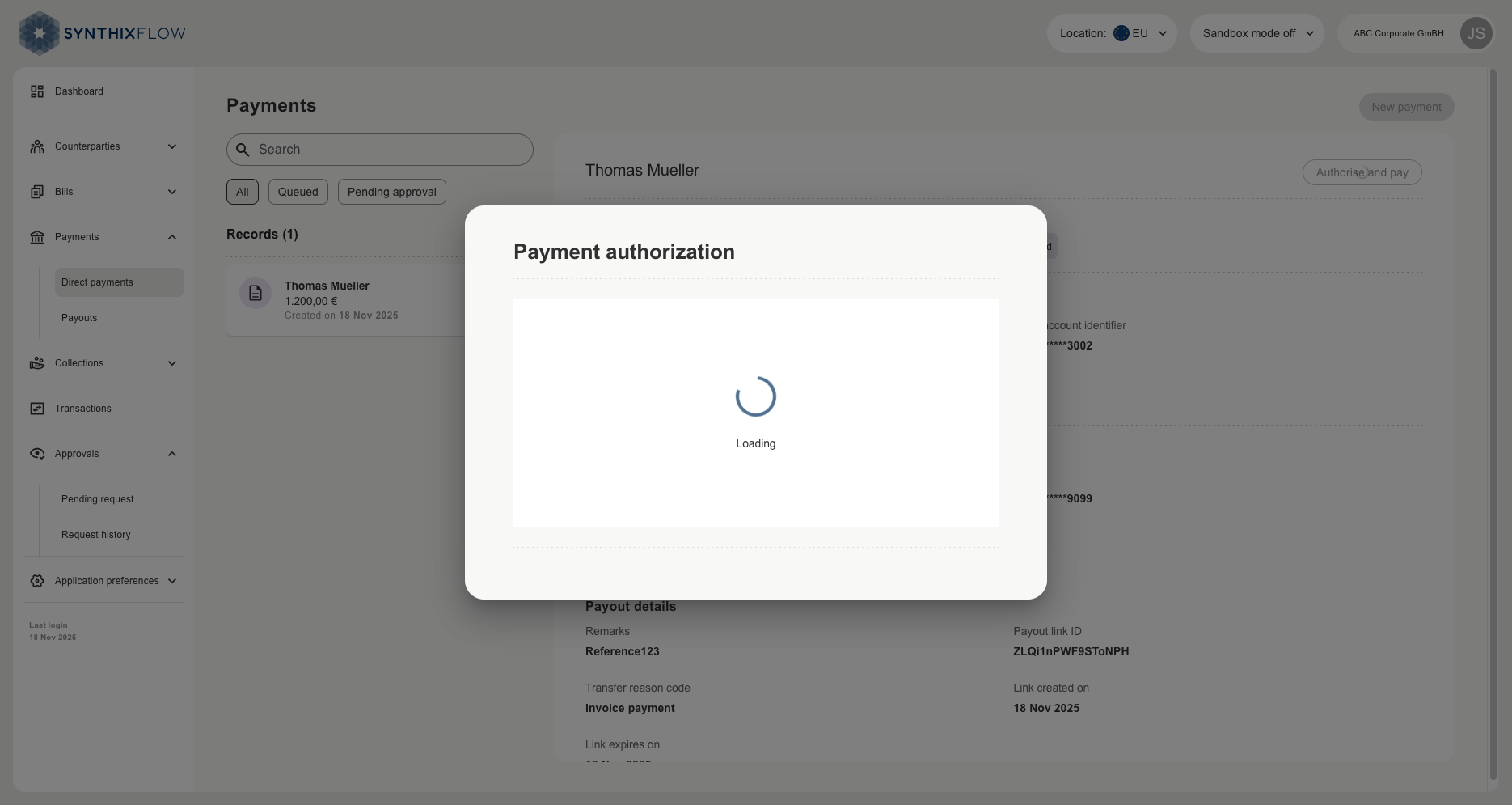
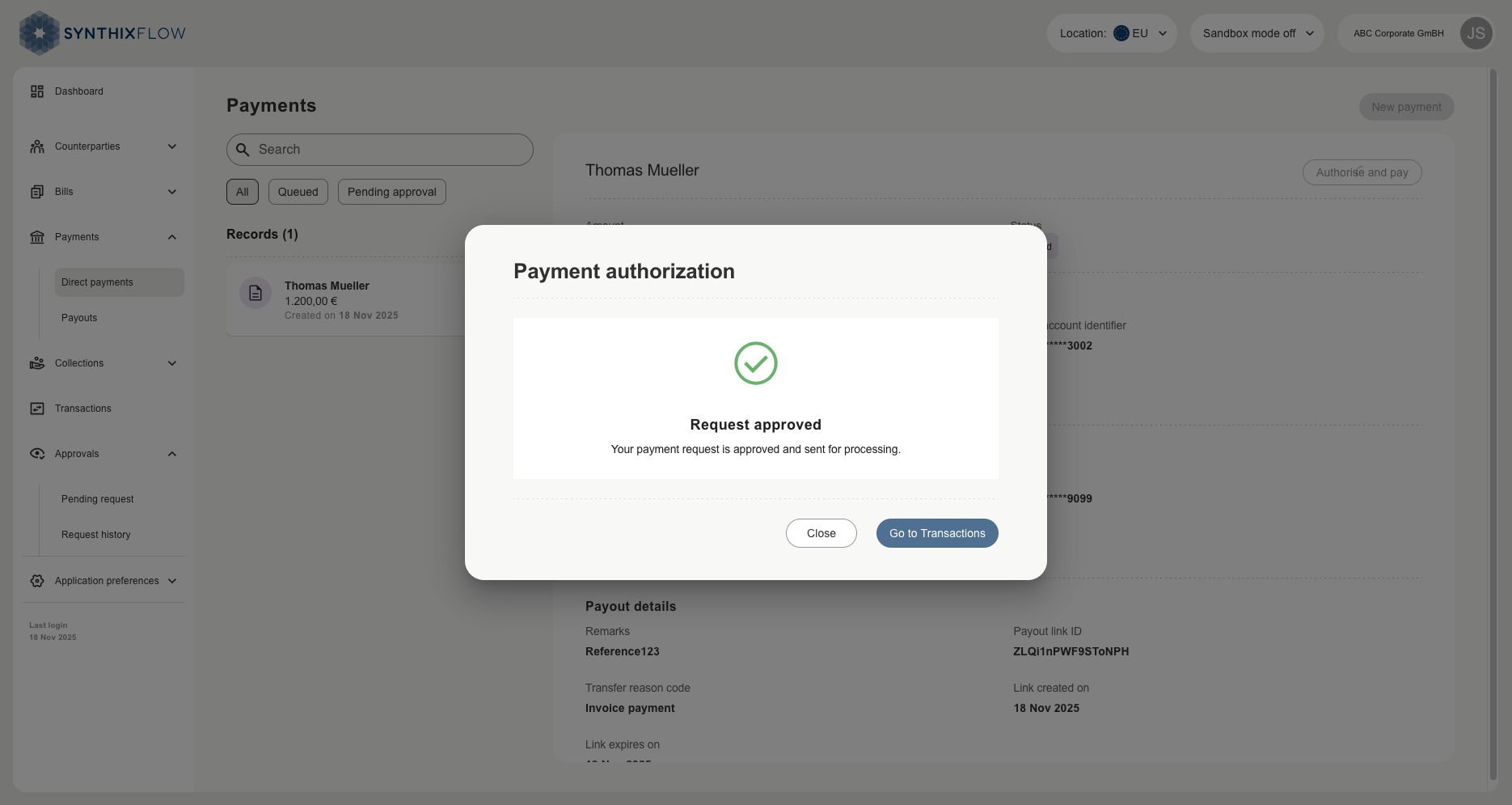
Authorise and pay
Cancel